How to Register and Log In to the Open edX Platform
Welcome to your digital learning environment! Follow these simple steps to create your account, activate it, and log in to access your courses.
Part 1: Creating a New Account (Registration)
-
Navigate to the Platform:
Open your web browser and go to your organization's Open edX portal URL. -
Access the Registration Page:
Click the "Sign Up", "Register", or "Create Account" button located in the top-right corner of the homepage.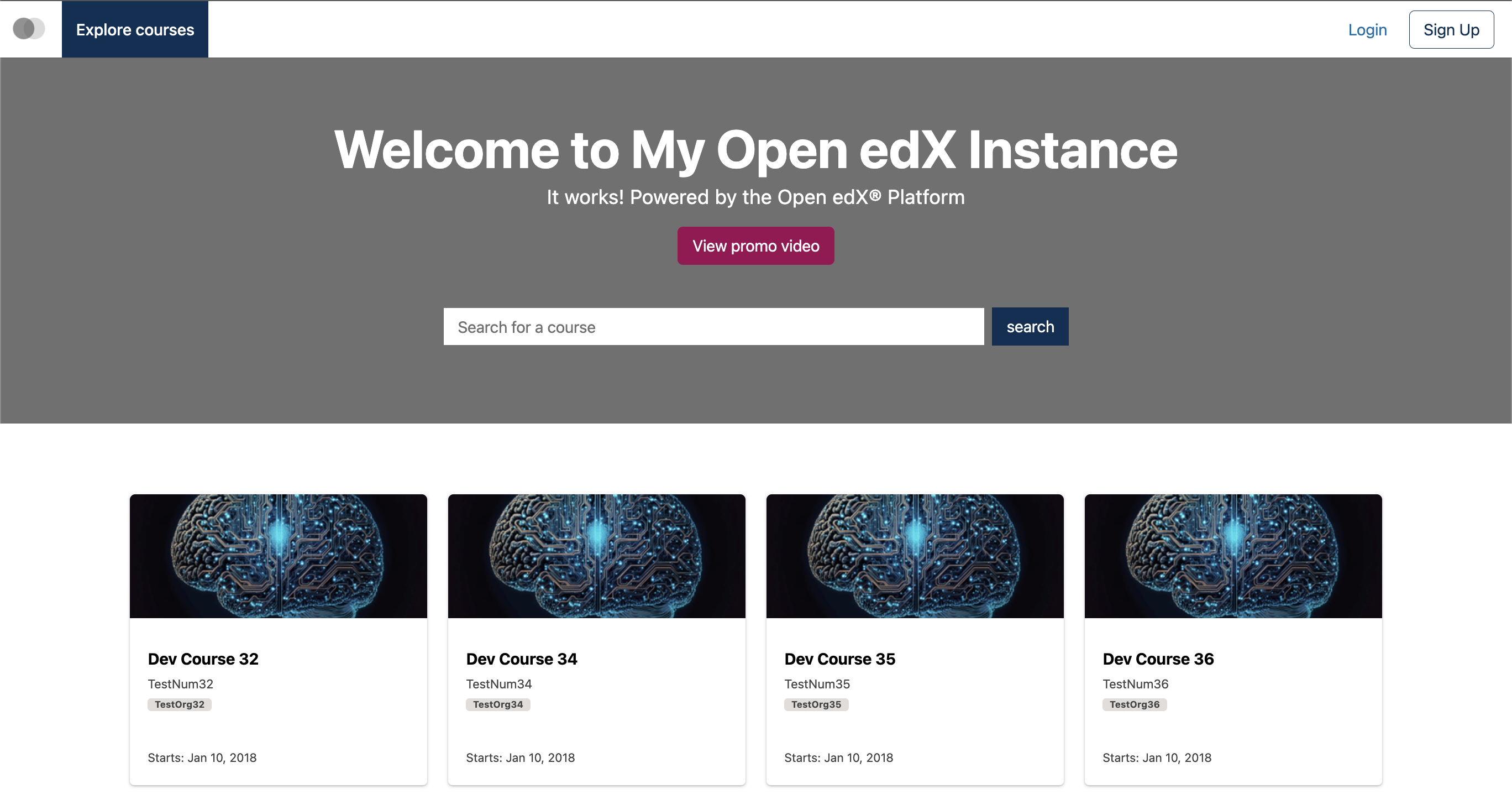
-
Fill in Your Information:
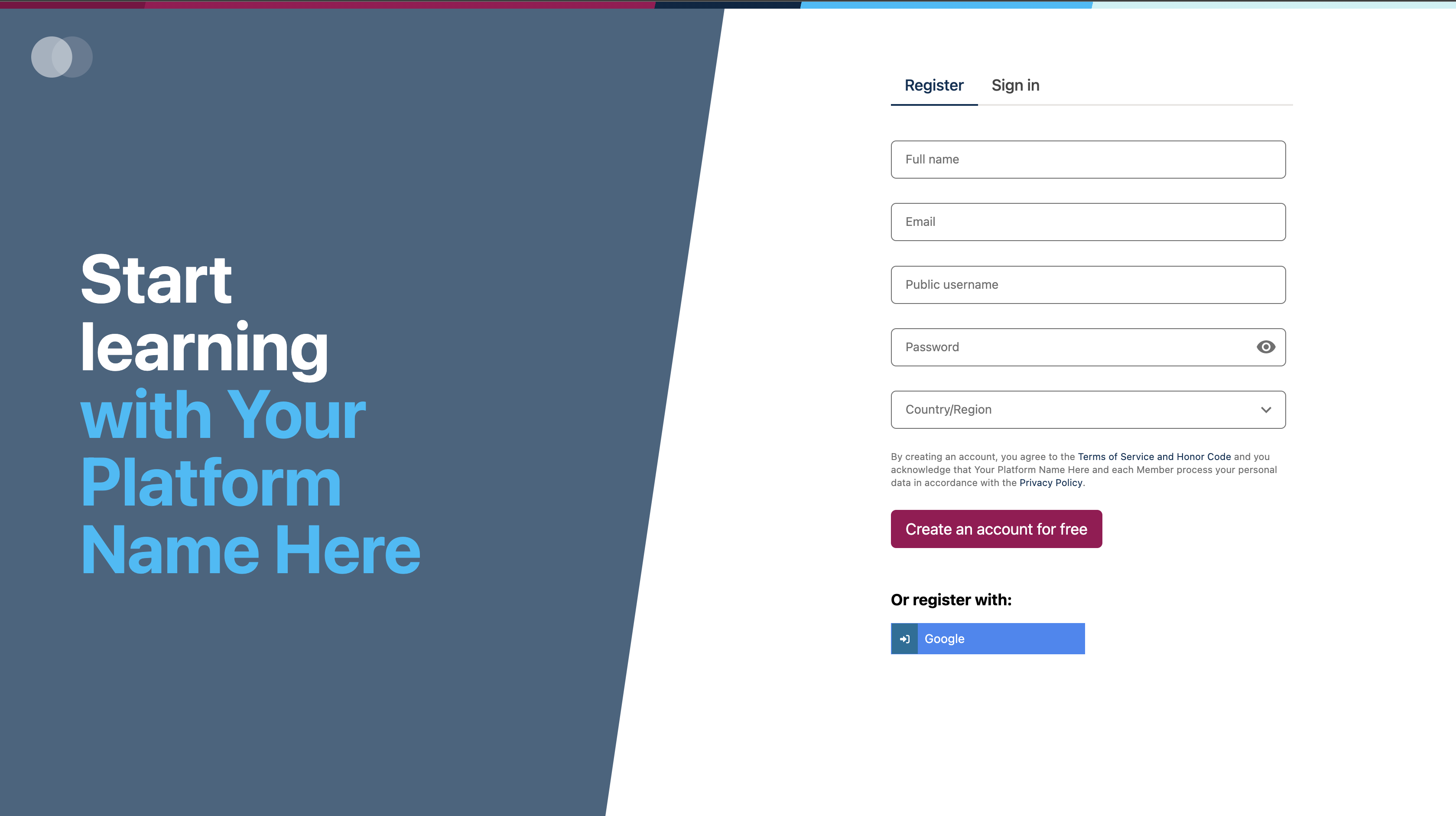
Complete the registration form with your required details:- Full Name: Enter your first and last name (this will appear on your completion certificates).
- Public Username: Choose a unique username (note that this cannot be changed later).
- Email Address: Provide a valid, frequently checked email address. (Tip: To ensure you receive system notifications, consider adding the platform’s support or notification address to your safe senders/contacts list).
- Password: Create a secure password meeting the platform's requirements.
- Country/Region: Select your location from the dropdown menu.
-
Accept Terms and Conditions:
Review the Terms of Service and Privacy Policy, then check the box to accept them. -
Complete Registration:
Click "Create Account" or "Register".
Part 2: Email Activation
- Check Your Inbox:
Open the email inbox associated with the address you just used. You should receive a confirmation message from the platform shortly. - Activate Your Account:
Open the email and click on the activation link provided. (If you do not see the email within a few minutes, please check your Spam or Junk folder). - Confirmation:
Clicking the link will redirect you back to the platform, confirming that your account is successfully activated.
Part 3: Logging In
-
Go to the Login Page:
Click the "Sign In" or "Log In" button on the platform homepage. -
Enter Your Credentials:
Input your registered Email Address (or Username) and your Password. -
Sign In:
Click "Sign In" to access your learner dashboard.
Part 4: Accessing Your Courses
-
Explore Your Dashboard:
Once logged in, you will land on your Dashboard, which displays all the courses you are currently enrolled in.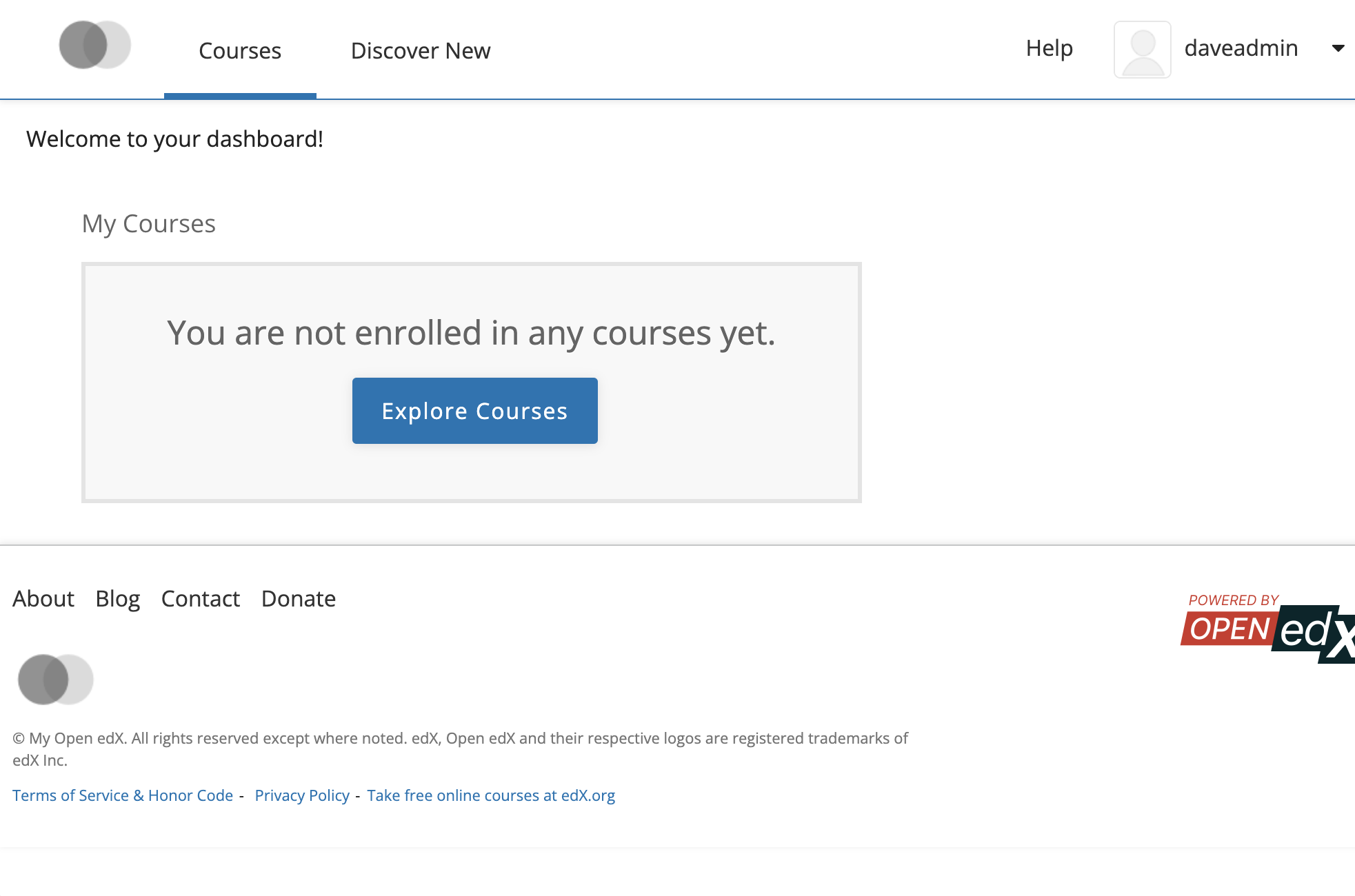
-
Start Learning:
Click "View Course" on any active course card to enter the learning interface, access materials, and begin your modules.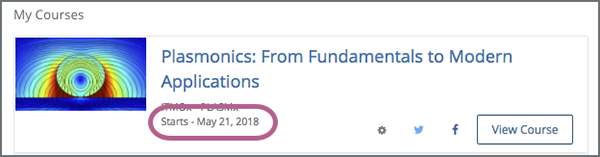
Need help? If you experience any issues during registration or login, please reach out to support@abstract-technology.de.