How to Earn and Download Your Certificates on Open edX
Once you have successfully completed all course requirements, Open edX automatically generates your digital certificate of completion. Follow this guide to check your eligibility and download your certificate.
Part 1: Checking Certificate Eligibility
-
Meet the Passing Criteria:
- Ensure you have completed all mandatory assignments, quizzes, and exams, and that your overall grade meets or exceeds the passing threshold set for the course.
-
Verify Your Progress:
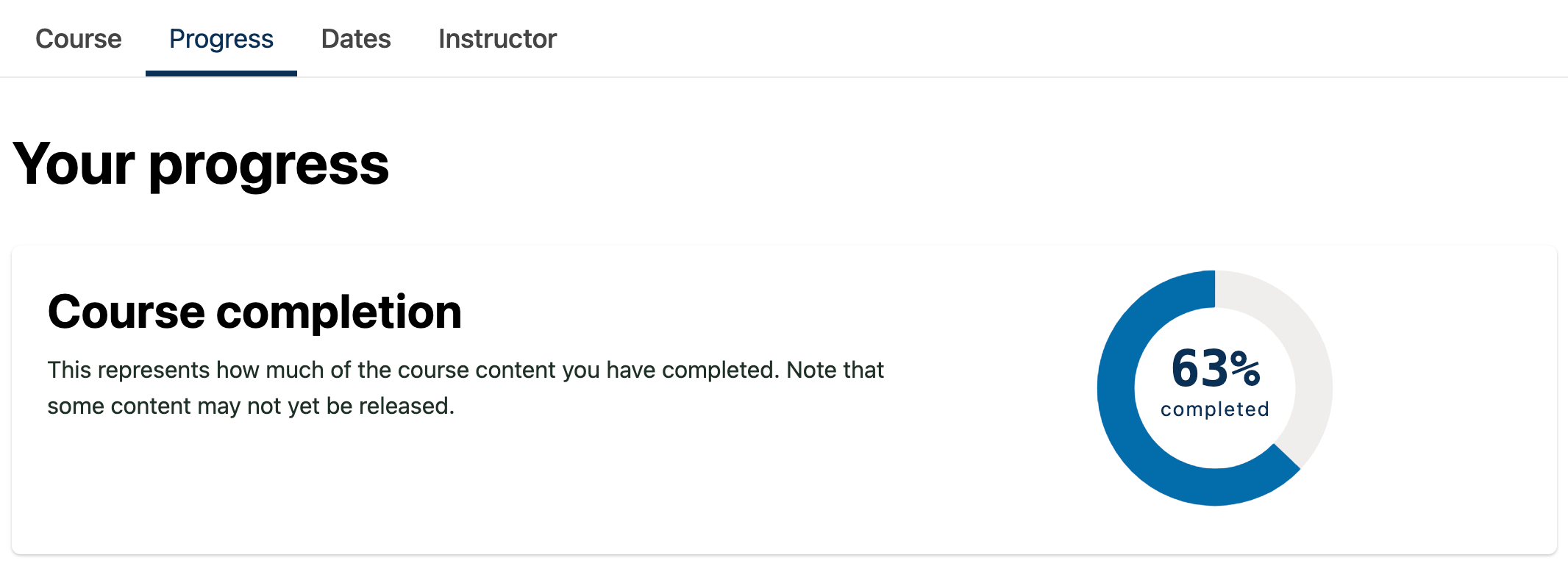
- Navigate to your Dashboard, open your course, and click on the "Progress" tab.
- Check that all required components show completed statuses and that your final grade is posted.
Part 2: Receiving Your Certificate
-
Automatic Generation:
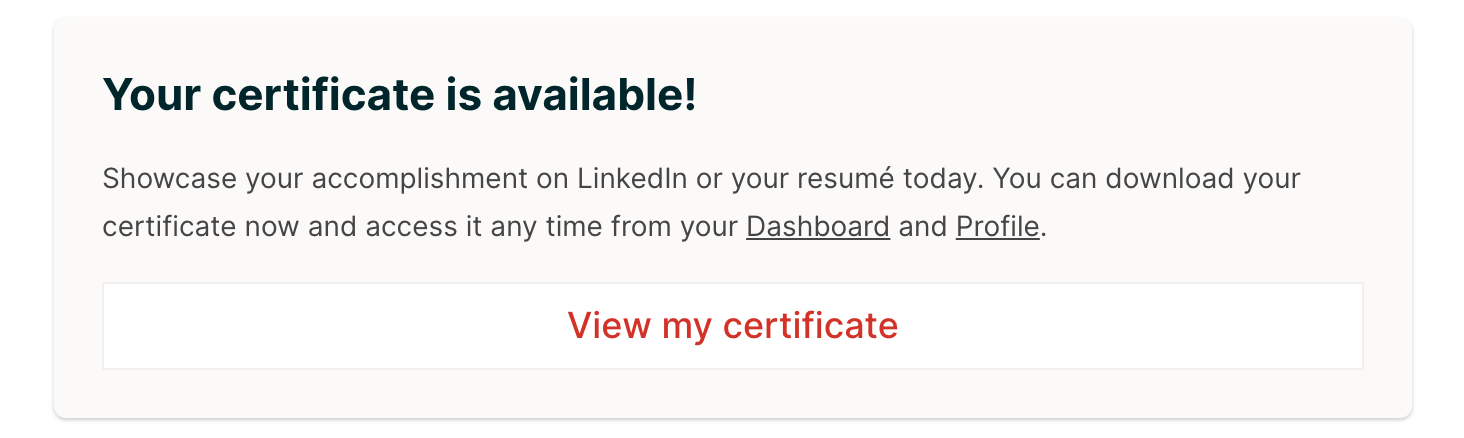
- Once the course team finalizes grades and you meet all criteria, the platform automatically generates your digital certificate. (Note: For some instructor-paced courses, certificates may be issued after the official course end date).
-
Notification:
- You will typically see a notification banner on your course dashboard or receive an email notifying you that your certificate is ready.
Part 3: Downloading Your Certificate
-
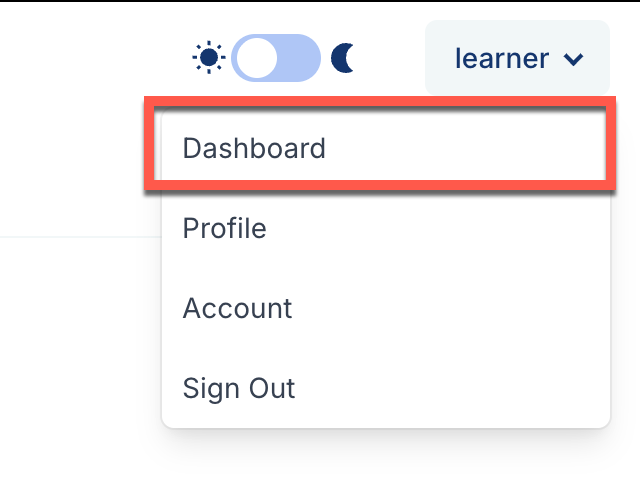
Go to Your Dashboard:
- Log in and navigate to your main Dashboard.
-
Locate the Completed Course:
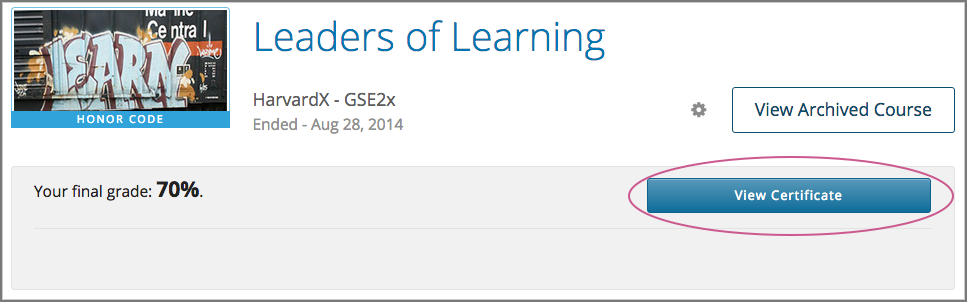
- Find the card for your completed course in the "Completed" section.
-
Download Options:
- Click the "Download Certificate" button (available as a PDF) or the "View Certificate" link.
- You can save the PDF to your device, print it, or share the unique certificate URL directly on professional networks like LinkedIn.
Need help? If you experience any issues during registration or login, please reach out to support@abstract-technology.de.